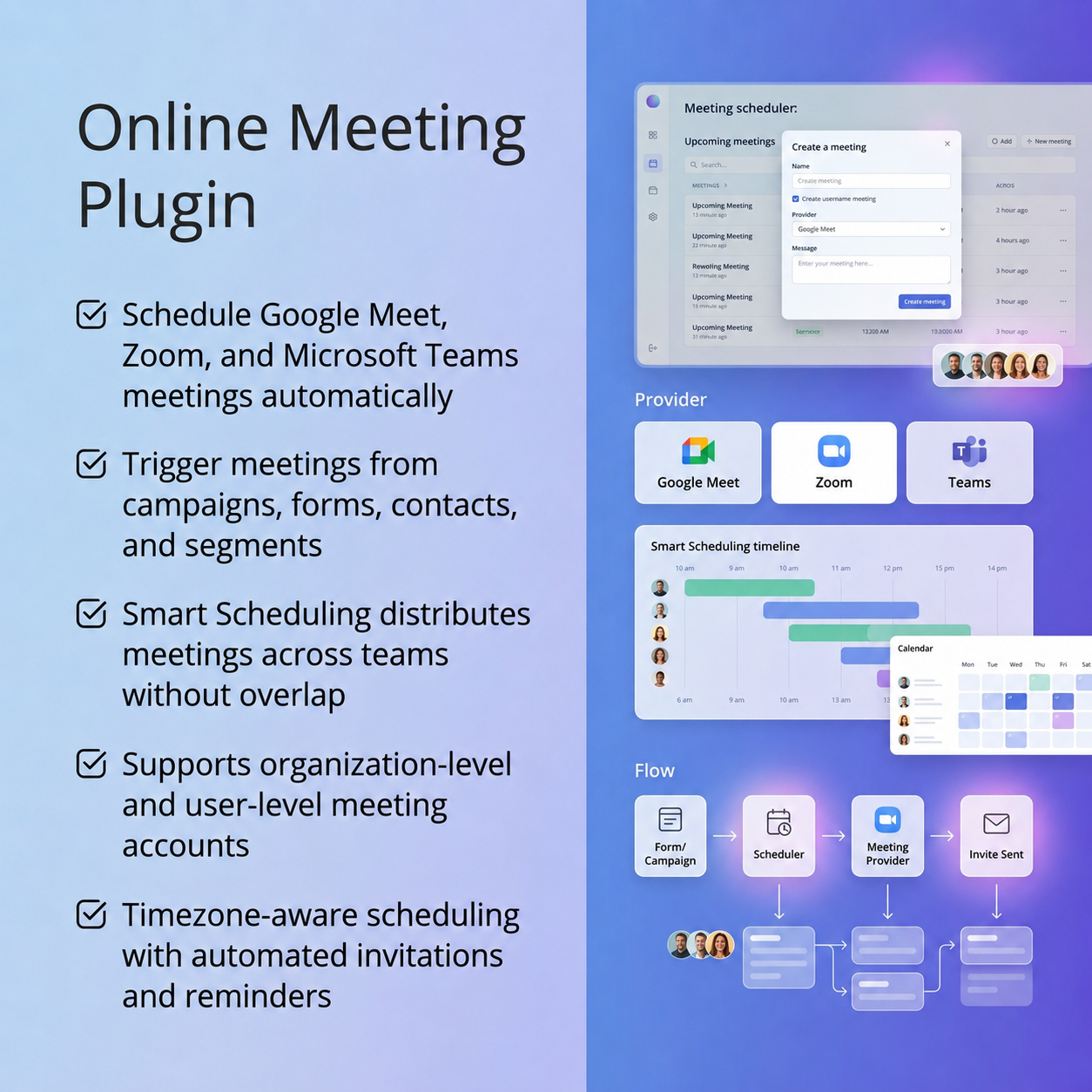
The OnlineMeeting Plugin helps teams automate the process of scheduling and managing online meetings directly within their workflows.
Instead of manually creating meetings and sending invites, users can set up automated actions that handle everything — from deciding when a meeting should be scheduled to sending meeting invitations to the right participants.
Whether it’s triggered through campaigns, form submissions, or manual actions, the plugin ensures meetings are created using the appropriate connected account and shared instantly with attendees. This makes it especially useful for marketing, sales, and support teams who regularly coordinate calls with contacts.
The plugin is designed to work seamlessly with popular meeting providers such as Google Meet, Microsoft Teams, and Zoom, while also allowing flexibility to integrate additional providers through its extensible architecture.
Overall, the OnlineMeeting Plugin streamlines meeting scheduling, reduces manual effort, and enables teams to scale their communication workflows efficiently without missing important interactions.
plugins/ directory.| Version | V4.x, V5.x, V6.x, V7.x |
|---|
There are no reviews yet.