banner

AI Segments Plugin

img

Introduction

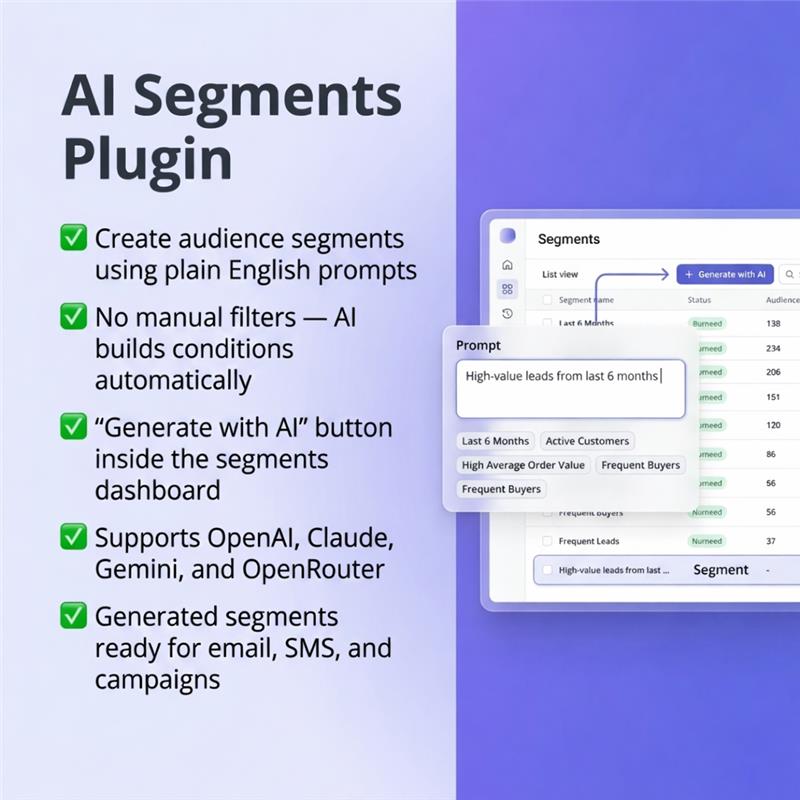
The AI Segments Bundle makes it easy to create audience segments using simple, everyday language instead of complex rules or filters. Instead of manually defining conditions, users can simply describe the type of audience they want—for example, “customers who haven’t engaged in the last 30 days” or “high-value leads from the last 6 months”—and the system will automatically generate the segment.

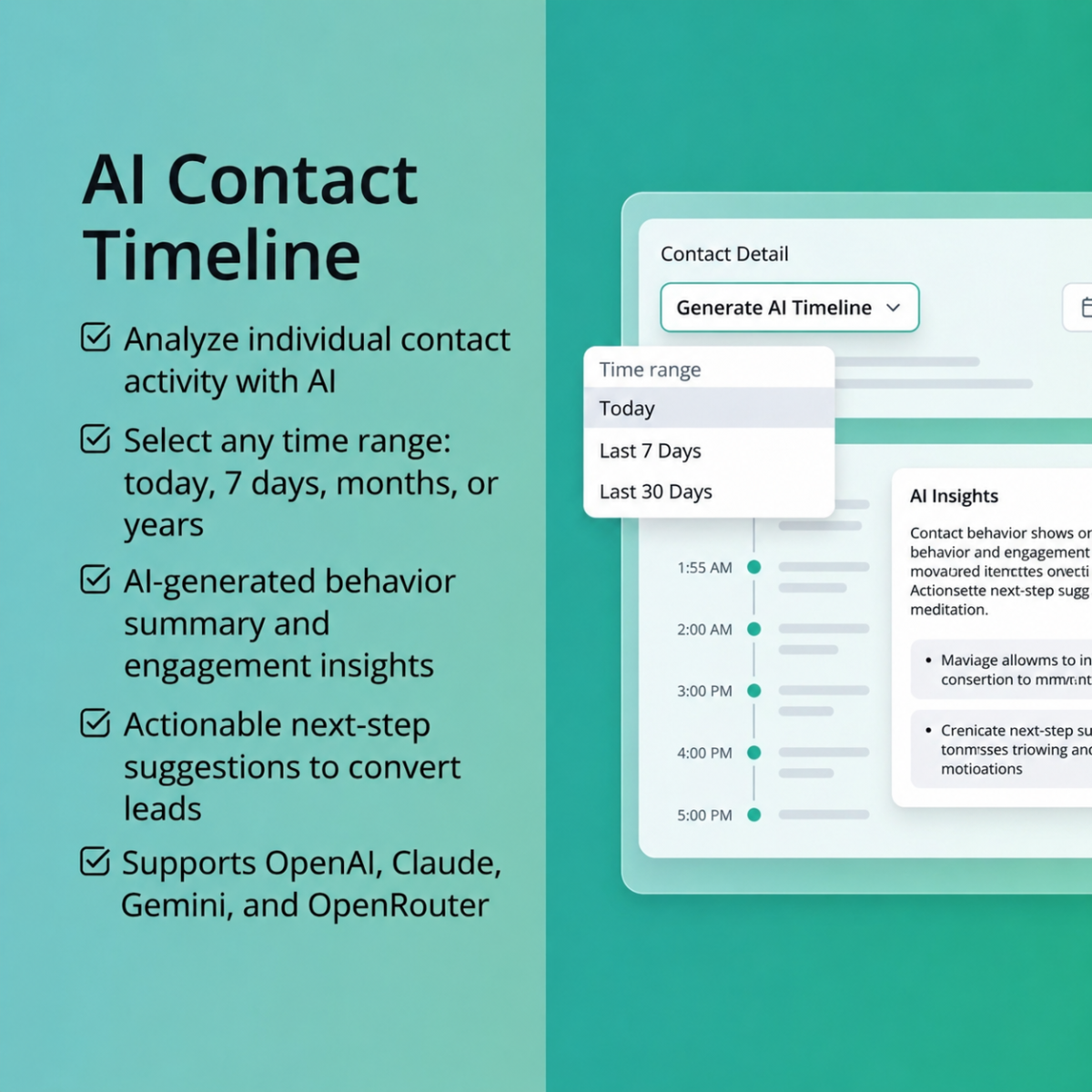
To deliver accurate and flexible results, the plugin integrates with leading AI providers such as OpenAI, Anthropic (Claude), Google (Gemini), and OpenRouter. This allows users to choose or switch between different AI engines based on their needs.

Overall, the AI Segments Bundle simplifies segment creation, reduces manual effort, and makes advanced audience targeting accessible to both technical and non-technical users.

Installation & Setup

Prerequisites

  • Administrative access to install plugins.
  • Composer (if plugin dependencies are managed externally).

Installation Steps

  1. Copy the AISegmentsBundle into the application’s plugins/ directory
  2. Run the following commands:

php bin/console mautic:plugins:reload
php bin/console cache:clear
php bin/console mautic:assets:generate
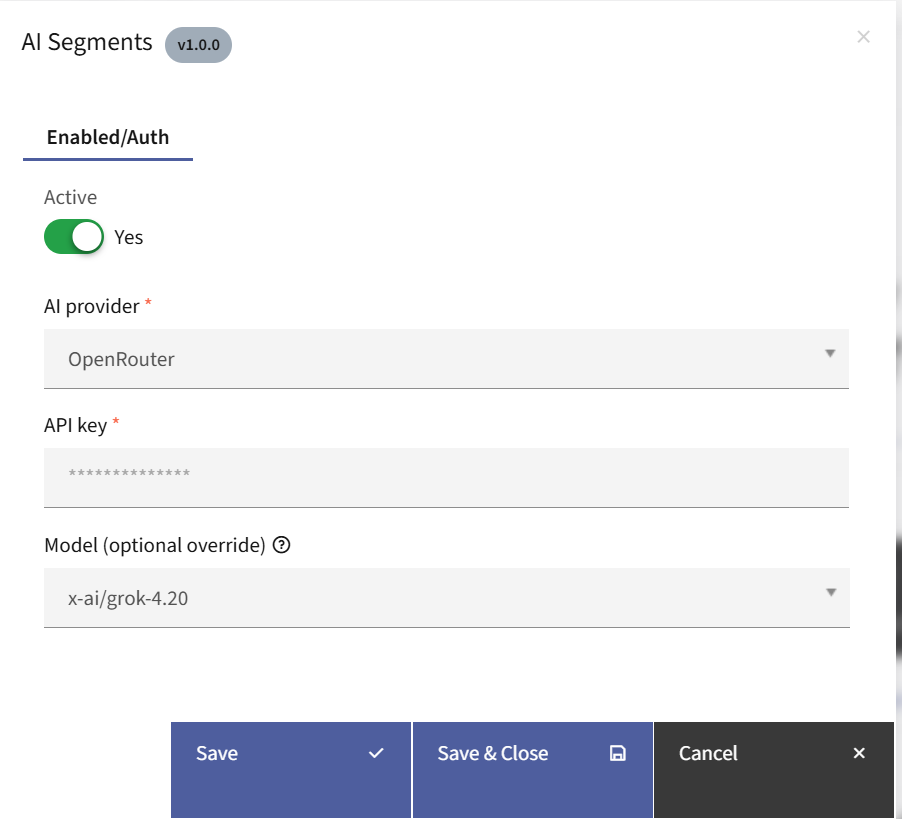
  1. Log in to the application’s admin panel
  2. Navigate to Settings → Plugins
  3. Locate the plugin and configure:
  • Select the desired AI Provider
  • Enter the corresponding API Key
  • Choose a model (optional)

AI Segments Bundle

Working of the Plugin

Once the plugin is installed, a new button labeled “Generate with AI” will appear alongside the “New” button in the segments section.

  • Clicking on “Generate with AI” opens a popup where you can enter a prompt describing your target audience.

  • After entering your prompt, click “Generate Segment”. The system will automatically create a segment by applying the appropriate filters and conditions based on your input.
  • The generated segment can then be used in campaigns for actions such as sending emails, targeting users on the website, sending SMS messages, or applying specific marketing strategies.
Version

V4.x, V5.x, V6.x, V7.x

There are no reviews yet.

Add a Review
Comment
Your rating
Free

  • Downloads:
    Unlimited
  • Version:
    1.0
  • Compatibility:
    Mautic v4.x, v5.x, v6.x, v7.x
  • Powered by:
    Topchunks

This product is currently out of stock and unavailable.